
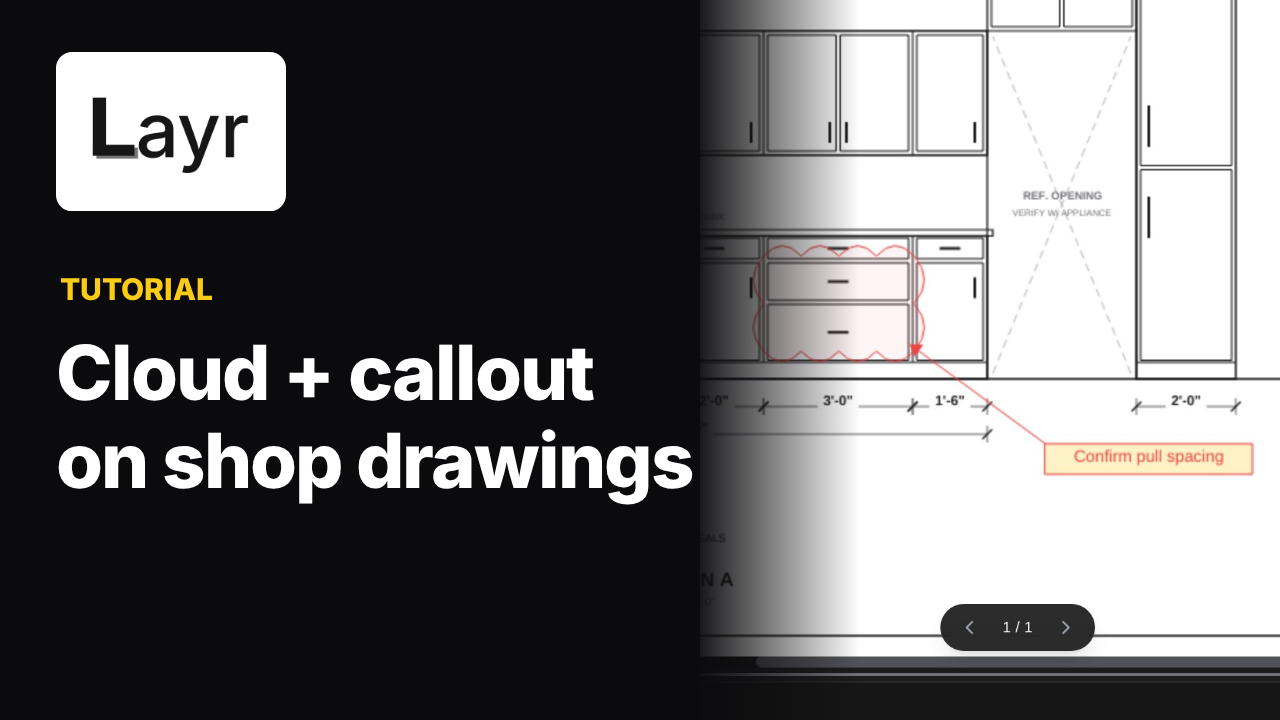
The markup tools in Layr.
Markups save into the PDF as standard annotations, so the file opens in other PDF readers. Support for markups made in other tools varies by annotation type.
| Tool | Use it to |
|---|---|
| Clouds and Cloud+ | Circle a change and attach a note with a leader |
| Callouts, text and typewriter | Point at a detail and explain it |
| Arrows, lines and dimensions | Show a junction or a typed dimension |
| Highlight, strikeout, underline | Mark up text on the sheet |
| Stamps, images and sequence numbers | Approve, attach a photo or number a list of items |
| Saved tools (Tool Chest) | Reuse your common markups with one click |
Measure and review in the same place.
Calibrate the drawing scale, then measure lengths, areas and counts. Compare two revisions side by side, keep every comment in a markup register with page, author and status, and share live markups with your team between the desktop app and a browser.
Price and platforms.
Layr runs on Windows and Mac (Apple Silicon), with browser access included. Solo is US$35 a year or US$5 a month; Teams is US$30 per user per year. Start with a 7-day editing trial, no card needed.
Common questions
What is the best PDF markup software for drawings?
Choose software that calibrates drawing scale, measures lengths and areas, draws clouds and callouts, compares revisions and shares markups with your team. Layr does those jobs on Windows, Mac and in a browser for US$35 a year.
Will my markups open in other PDF readers?
Yes. Layr saves markups as standard PDF annotations with appearance streams, so they display in other PDF readers.
Is there free PDF markup software?
Many free viewers add basic comments. Layr is paid, with a 7-day editing trial; it adds scale measurements, revision comparison and live team markups.
Mark up, measure and review with LayrPDF.
Drawing tools, keyboard shortcuts, saved markups and live team review. Start with a 7-day editing trial.
Get LayrPDF