

Learn with a drawing
PDF markup and measurement video tutorials.
New to drawing review? Start with a short LayrPDF lesson. Learn to measure to scale, mark up a detail, reuse annotations and compare revisions on a sample millwork drawing. Each tutorial includes the video and written steps.
Start with the task in front of you.
4 video lessons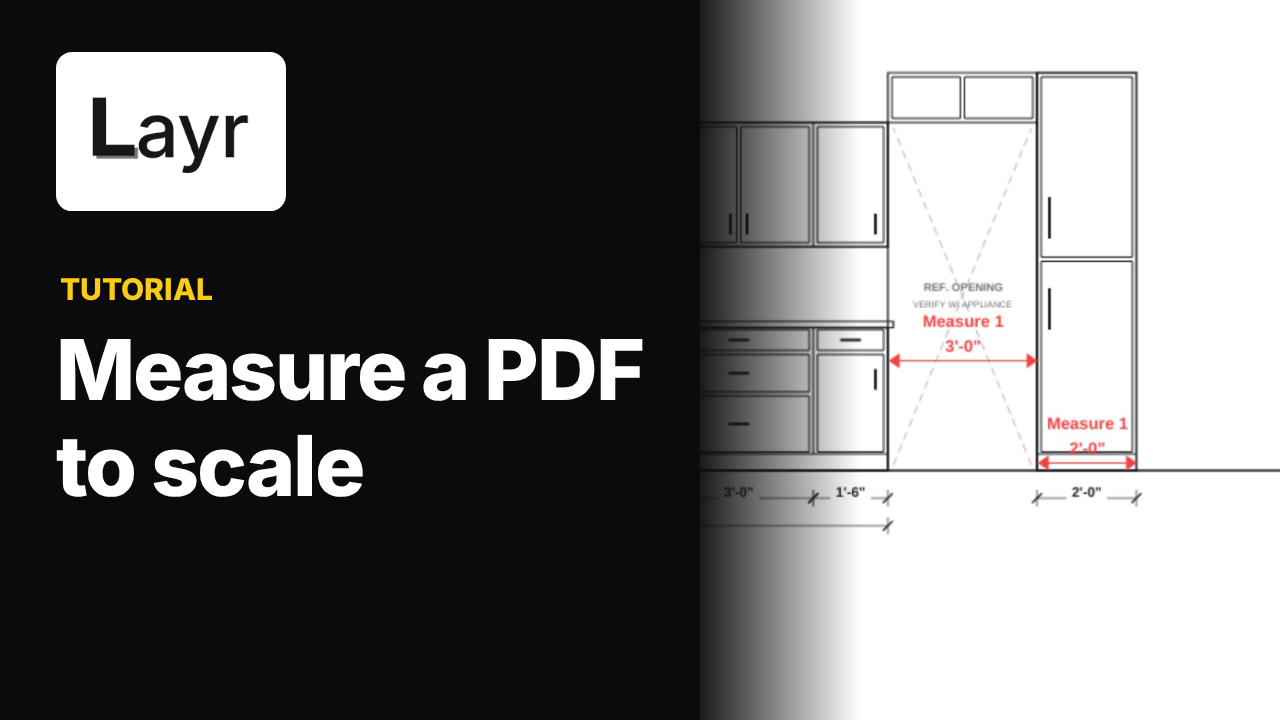 1:32
1:32Calibrate a PDF drawing, then measure an opening.
Watch how to calibrate a PDF from a known dimension, enter feet and inches, measure a cabinet opening and check the scale against a second dimension.
Watch and follow along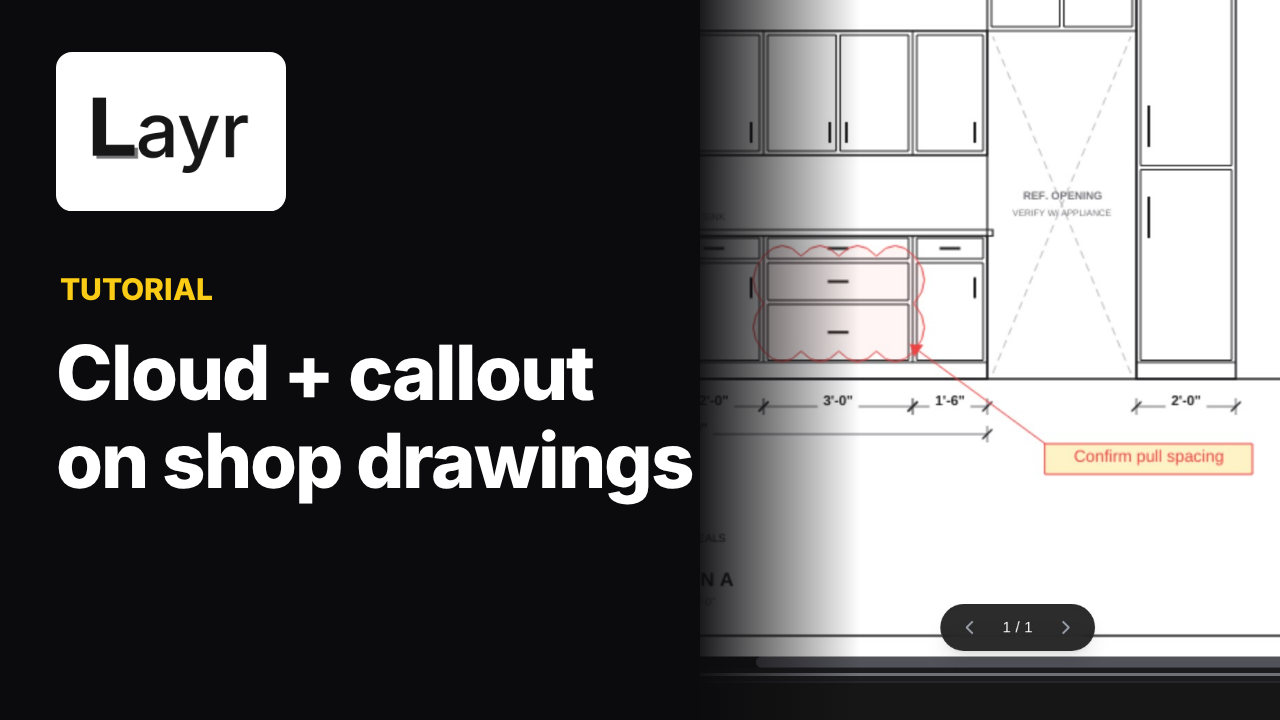 0:58
0:58Mark a drawing detail with a cloud and callout.
Watch how to draw a revision cloud around a millwork detail, adjust its style, add an arrow callout and edit a short PDF review note in LayrPDF.
Watch and follow along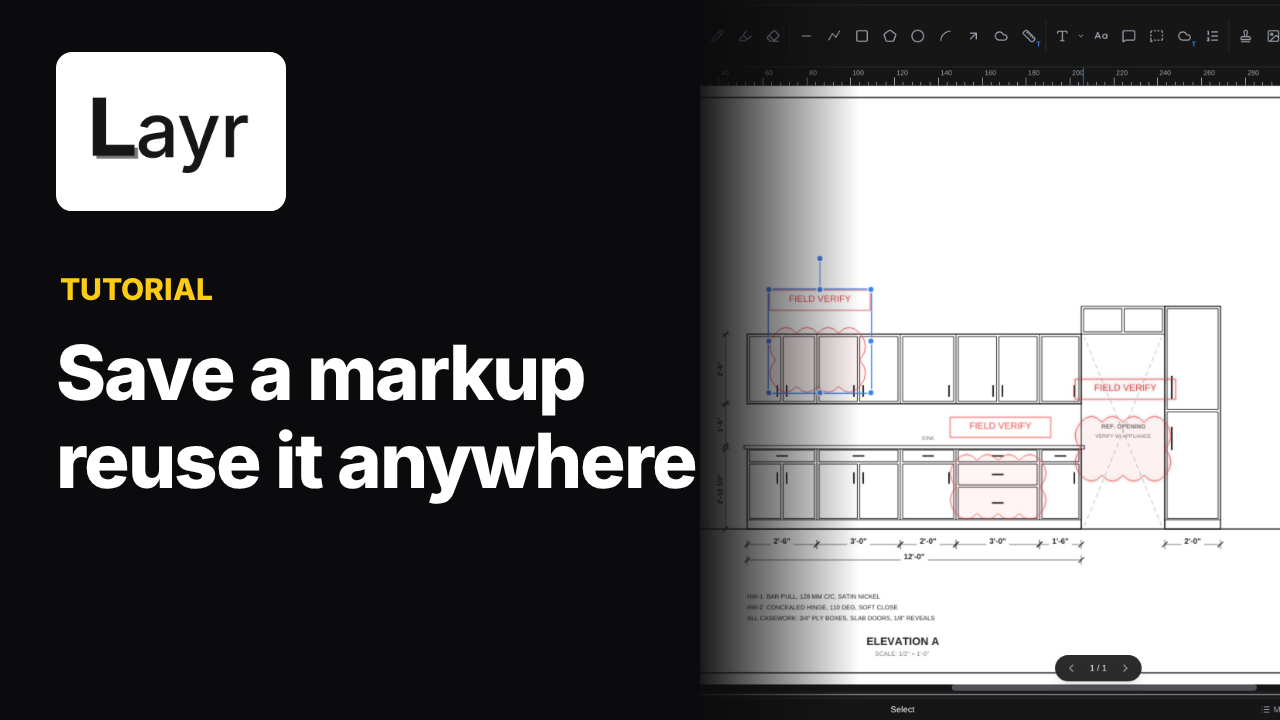 1:15
1:15Save a markup you use all the time.
Draw a Field verify note once, group the cloud and text, save it to LayrPDF's Tool Chest and place the reusable markup on a drawing again.
Watch and follow along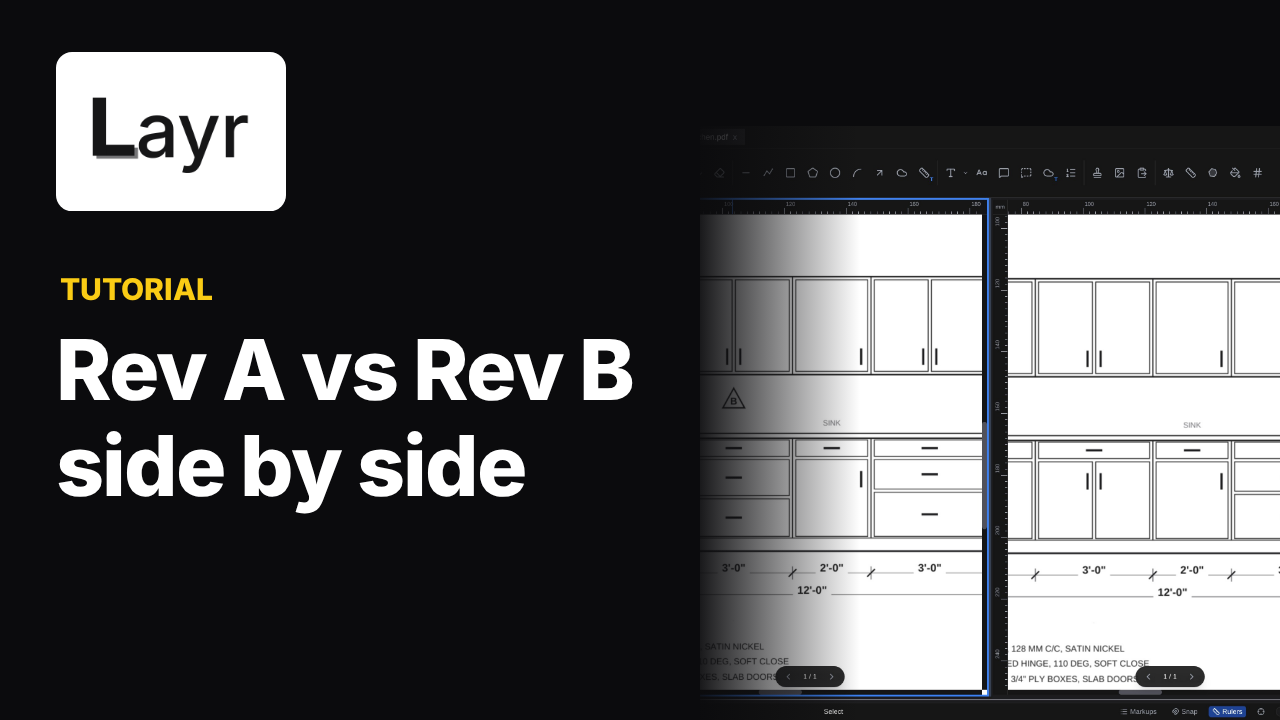 1:04
1:04Compare two drawing revisions side by side.
Watch two cabinet drawing revisions side by side in LayrPDF. Open Split View, zoom and pan each pane, then compare doors and drawers by eye.
Watch and follow alongKeep learning
More help with drawing review.
Find practical guides to PDF markup, measurement and drawing review.