
Side by side for drawing review.
| LayrPDF | Adobe Acrobat (check adobe.com) | |
|---|---|---|
| Built for | Drawing markup, measurement and team review | General PDF work: documents, forms, signatures, conversion |
| Clouds, callouts and comments | Yes | Yes |
| Measure to scale | Yes: length, area, perimeter, counts, volume | Acrobat Pro has a measuring tool; check its options on adobe.com |
| Grouped counts and CSV totals | Yes | Check adobe.com |
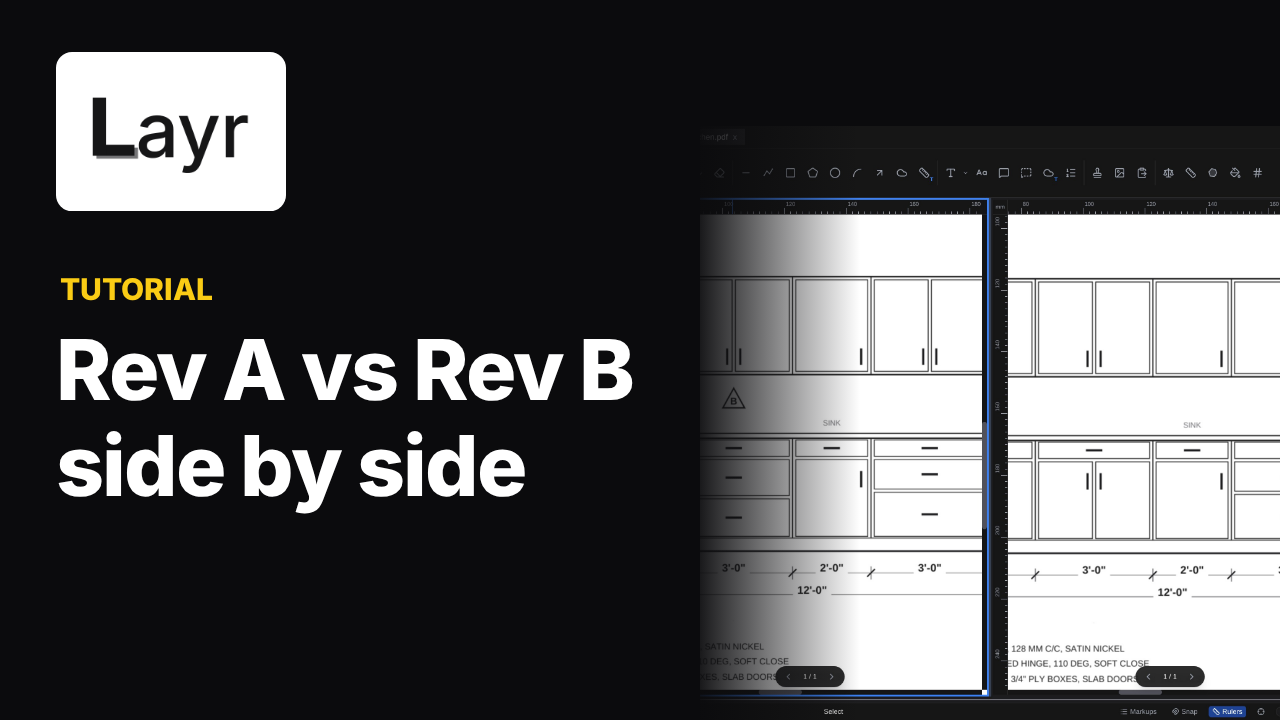
| Side-by-side revision comparison | Yes | Acrobat Pro has a compare-files feature |
| Live shared markups | Yes, desktop and browser | Check adobe.com for shared review options |
| Price | US$35/year solo; US$30/user/year teams | Check adobe.com |
When each one fits.
Use Acrobat for editing document text, building forms, collecting signatures and converting files. Layr does not replace those.
Use Layr when the PDF is a drawing and the work is marking it up, measuring it, counting from it, comparing revisions and sharing comments with your team. Many teams use both.
Common questions
Is Layr an Adobe Acrobat alternative?
For marking up and measuring drawings, yes. For editing document text, forms, signatures and file conversion, keep Acrobat.
Can Layr open PDFs marked up in Acrobat?
Yes, Layr opens standard PDF annotations. Support varies by annotation type, so test a copy of your drawings.
Is LayrPDF affiliated with Adobe?
No. LayrPDF is independent and is not affiliated with or endorsed by Adobe.
Mark up, measure and review with LayrPDF.
Drawing tools, keyboard shortcuts, saved markups and live team review. Start with a 7-day editing trial.
Get LayrPDF