
What you can do on your Mac.
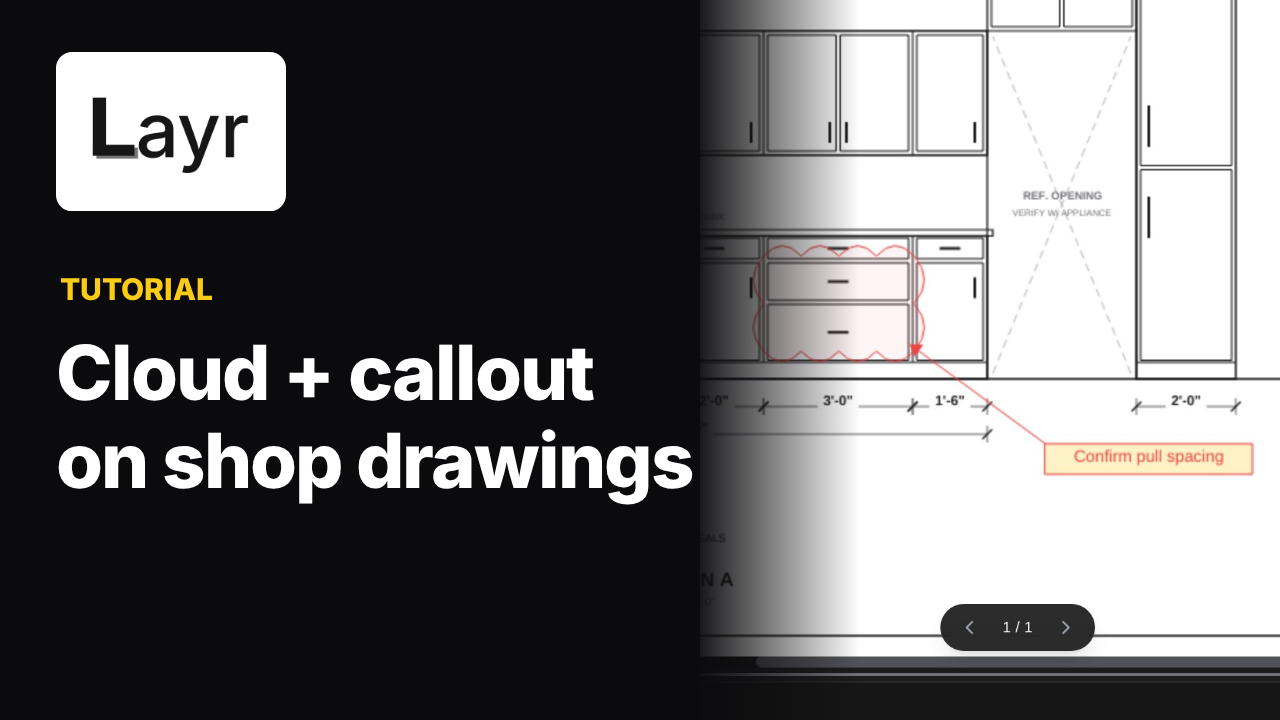
- Cloud a change and add a callout or note that points at the detail
- Calibrate the drawing scale, then measure lengths, areas, perimeters and counts
- Compare two revisions side by side
- Keep comments in a markup register with page, author and status
- Share live markups with your team, including people on Windows or in a browser
Which Macs it runs on.
The Layr Mac app is for Apple Silicon Macs (M1 and later). On an Intel Mac, you can open and mark up shared drawings in the browser; the browser version does not include calibration or measuring.
Mac, Windows and browser access are all included in one subscription: US$35 a year or US$5 a month for one person, or US$30 per user per year for teams.
Common questions
Can I mark up PDF drawings on a Mac?
Yes. Layr's Mac app adds clouds, callouts, text and dimensions to PDF drawings and measures them at a calibrated scale. It runs on Apple Silicon Macs.
Does it work on an Intel Mac?
The desktop app is for Apple Silicon. Intel Macs can mark up shared drawings in the browser, without measuring tools.
Do I need a separate licence for Mac and Windows?
No. One Layr subscription covers the Mac and Windows apps and browser access.
Mark up, measure and review with LayrPDF.
Drawing tools, keyboard shortcuts, saved markups and live team review. Start with a 7-day editing trial.
Get LayrPDF