

Revu for Mac ended in 2023.
Bluebeam's support site announced the end of life of Revu for Mac, effective June 28, 2023. Bluebeam's pricing page now lists Revu as running on Windows.
Ways to use Bluebeam on macOS.
| Option | What it means | Things to check |
|---|---|---|
| Windows in a virtual machine | Run Windows on your Mac with virtualization software, then install Revu for Windows | Needs a Windows licence and virtualization software, plus enough memory and disk for large drawing sets |
| Bluebeam's web app | Use Bluebeam's browser product on your Mac | It has a narrower feature set than Revu for Windows |
| A separate Windows PC | Keep a Windows computer for Revu | A second machine to buy and maintain |
Don't worry, Mac, we love you.
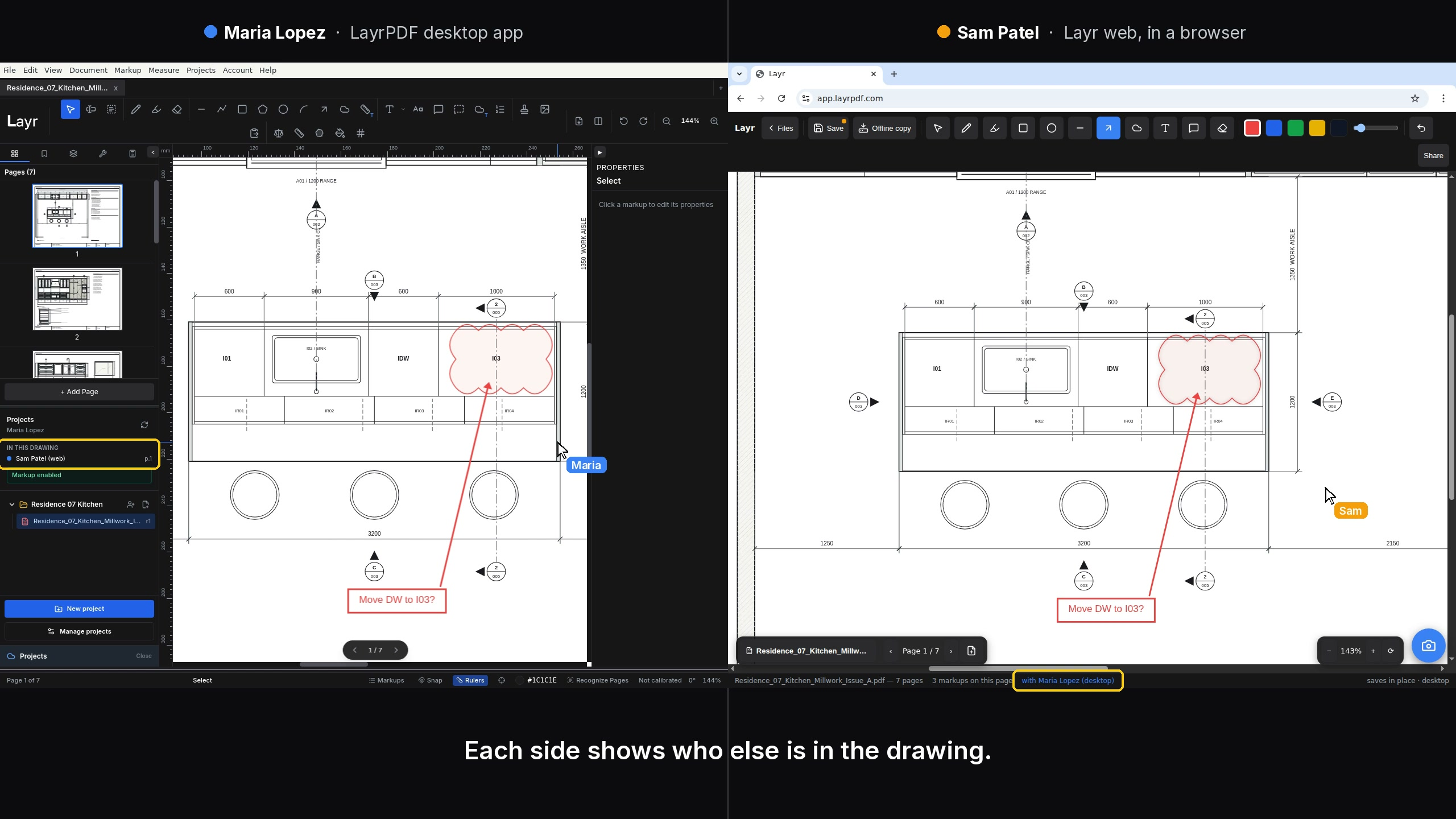
Layr has a native Mac app for Apple Silicon Macs (M1 and later), alongside Windows and browser access. Open drawing sets, cloud changes, add callouts, calibrate the scale, measure lengths, areas and counts, compare revisions and share live markups with your team, with no virtual machine.
One subscription covers Mac, Windows and browser: US$35 a year or US$5 a month for one person, or US$30 per user per year for teams. Intel Macs can use Layr in the browser.
Common questions
Is there a Bluebeam Revu for Mac?
Not any more. Bluebeam ended Revu for Mac effective June 28, 2023, and Revu now runs on Windows. Mac users can run Revu in a Windows virtual machine or use Bluebeam's web app.
Can I run Bluebeam on an M1 or M2 Mac?
Revu for Windows can run inside a Windows virtual machine on Apple Silicon. Check Bluebeam's current guidance and your virtualization software's requirements first.
Does Layr have a Mac app?
Yes. Layr has a native Mac app for Apple Silicon Macs, plus Windows and browser access, all included with a paid plan.
Mark up, measure and review with LayrPDF.
Drawing tools, keyboard shortcuts, saved markups and live team review. Start with a 7-day editing trial.
Get LayrPDF