
The review loop in Layr.
| Step | How you do it |
|---|---|
| Mark up the drawing | Clouds, callouts, dimensions and notes on the PDF |
| Check the revision | Compare the new drawing with the last one side by side |
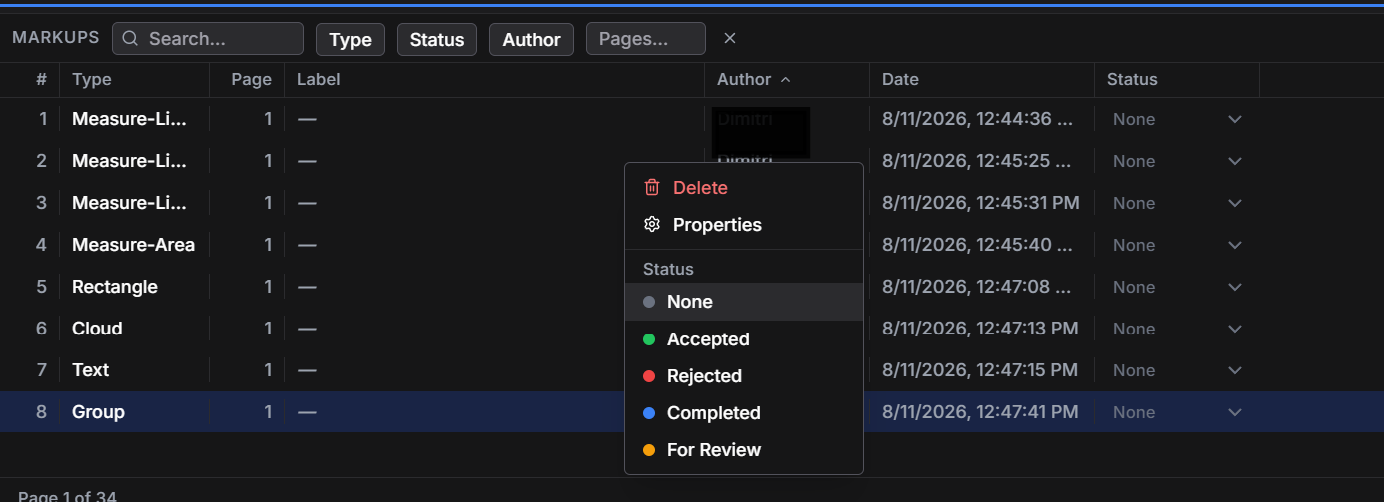
| Track comments | Markup register with page, author and status |
| Send for approval | Approvals register: send a drawing version to your client |
| Client decision | The client reviews in a browser and approves, approves with notes or requests changes |
| Keep the record | Each sent version and decision is kept and cannot be changed afterwards |
Good to know.
Clients review in a browser using a code sent to their email; they do not need a Layr licence. Sending drawings for approval needs a paid Layr plan.
An approval in Layr records your client's decision on a drawing. It does not certify the drawing or check it for compliance.
Common questions
Can clients approve shop drawings without buying software?
Yes. Clients open the drawing in a browser with an emailed code and record their decision. They do not need a Layr licence.
Is a sent drawing locked?
Yes. Each sent version and the client's decision are kept as a record. New changes go in a new version.
Can I compare the new revision with the old one?
Yes. Open both drawings side by side to check what changed.
Mark up, measure and review with LayrPDF.
Drawing tools, keyboard shortcuts, saved markups and live team review. Start with a 7-day editing trial.
Get LayrPDF