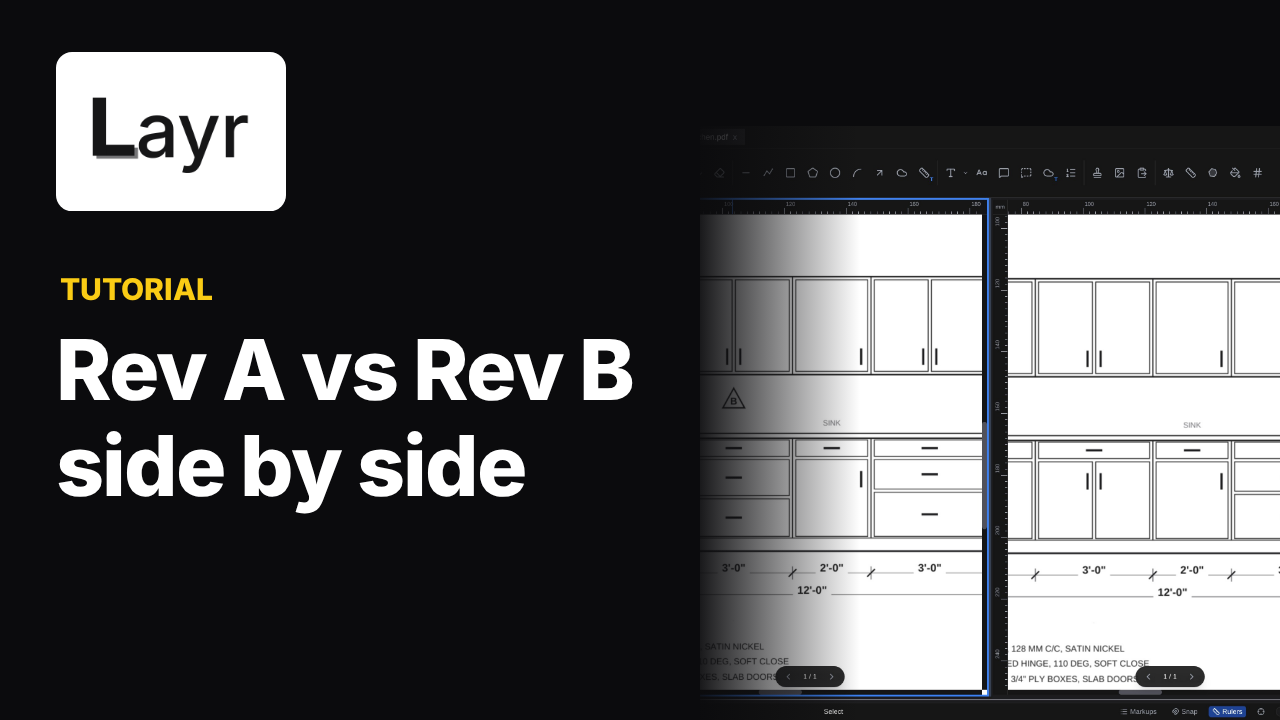

Cloud a detail on desktop
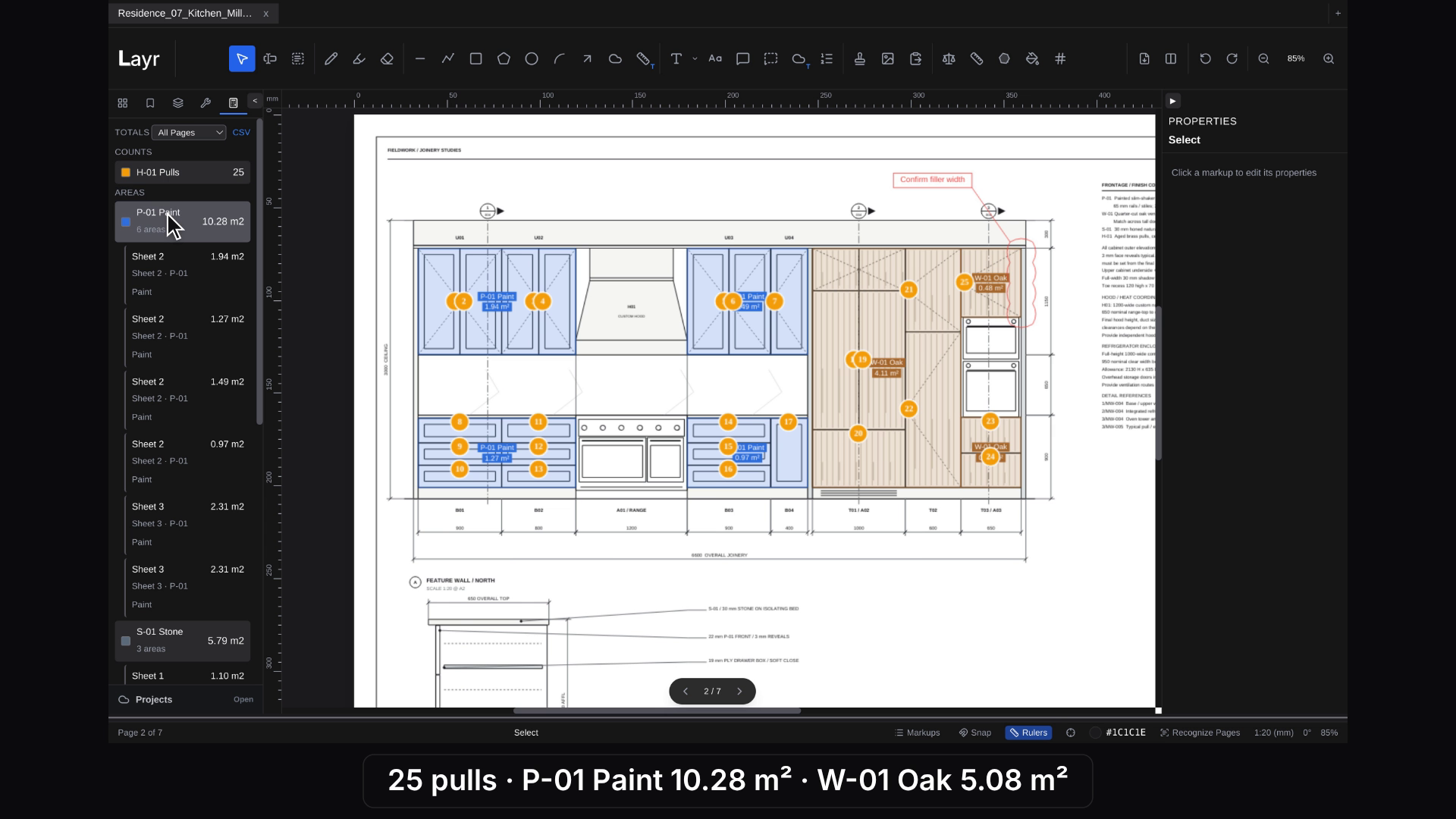
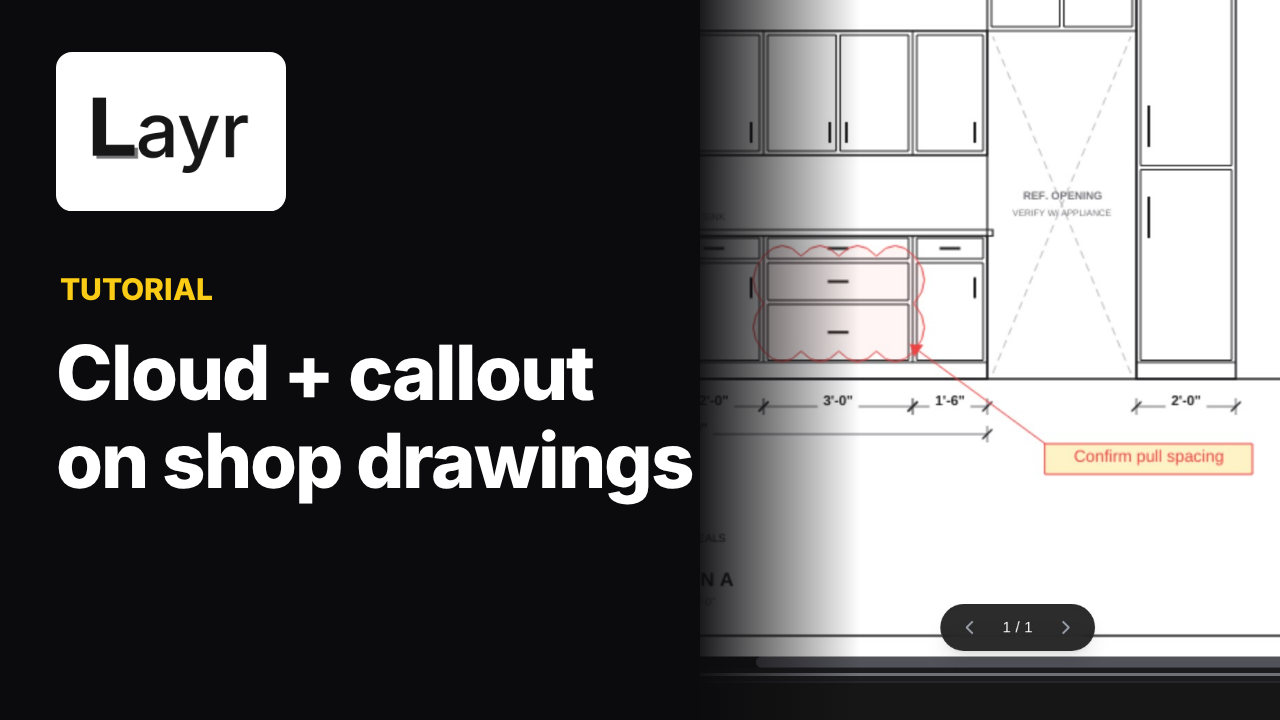
The desktop reviewer draws a revision cloud around the sink area. The same cloud appears in the browser view of the shared kitchen drawing. The recording keeps both views side by side so you can follow the markup.
Add the question in the browser
The browser reviewer adds the note “Move DW to I03?” and an arrow to the drawing. Both annotations appear in the desktop view, keeping the question beside the detail being discussed.
Common questions
Can I add markups from the browser?
Yes. This recording shows a browser reviewer adding a note and an arrow, which appear in the desktop view.
What do reviewers need for live collaboration?
An internet connection, sign-in and access to the same shared cloud project. Opening a local PDF or assigning a licence alone does not share it.
Do edits to an existing markup appear in the other view?
The demo shows the desktop reviewer moving a revision cloud and the browser view updating its position.
Put it into practice
Try these steps on your next drawing.
Open a PDF in LayrPDF and follow along with the lesson.