
Set up the count
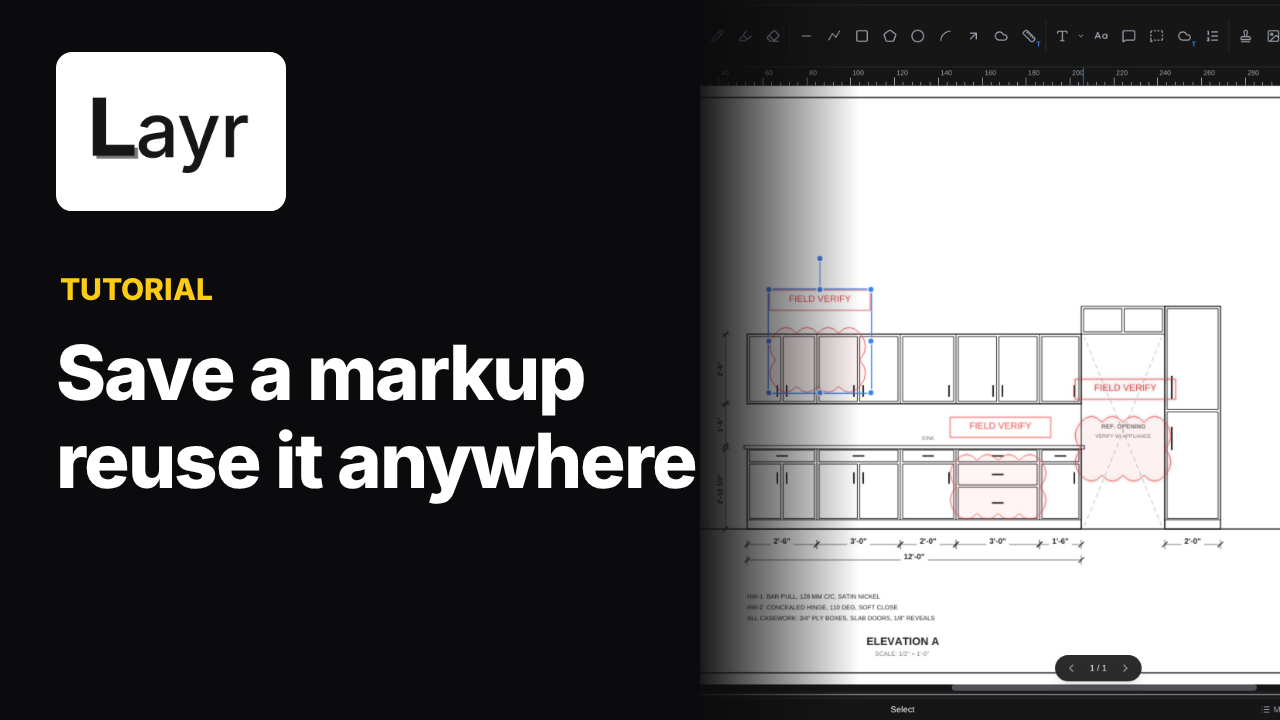
Pick the Count tool from the toolbar. In Properties, choose a group for what you are counting. The tutorial starts with Drawers on a sample kitchen elevation.
Count drawers and doors
Click each drawer front to place a numbered marker. The sample has seven drawers. Switch the group to Doors, then click each door. The numbers start over in a new color; the sample has six doors.
Pick the Count tool
Select Count from the toolbar.
Choose a group
In Properties, choose Drawers first.
Click each item
Click each drawer front, then switch to Doors and click each door.
Read the Totals tab
Open Totals on the left to see the groups counted separately.
Read the totals
Open the Totals tab on the left. The tutorial shows seven drawers and six doors, counted separately. Each count group keeps its own numbers and color. The Totals tab can show the current page or all pages.
Common questions
How do I count doors and drawers separately?
Choose Drawers in Properties and click each drawer front. Switch the group to Doors before clicking each door. Each group keeps its own numbers and color.
Where do I see the count totals?
Open the Totals tab on the left. The sample shows seven drawers and six doors, counted separately.
Video transcript
Read the transcript
0:00Here's how to count the doors and drawers on a drawing, in LayrPDF.
0:04We'll count the base cabinets on this elevation. Drawer fronts first,
0:08then the doors.
0:13Grab the Count tool from the toolbar.
0:16In Properties, pick a group for what you're counting. Let's start with Drawers.
0:21Now just click each drawer front. Every click drops a numbered marker.
0:28Seven drawers.
0:30Switch the group to Doors.
0:32And click each door. The numbers start over, in a new color.
0:39Six doors.
0:40Open the Totals tab on the left.
0:44There it is. Seven drawers and six doors, counted separately.
0:50So: grab the Count tool, choose a group, click each item,
0:53and check the Totals tab.
0:55See LayrPDF. The link's in the description.
Put it into practice
Try these steps on your next drawing.
Open a PDF in LayrPDF and follow along with the lesson.